
• Delivery Guides
Weed Delivery in New Jersey: How It Works
Ordering cannabis for delivery should be simple. Here's what to know about checking your delivery area, preparing your ID, browsing the menu, and receiving an Ocean Smokes order.
6 min read · Updated September 23, 2026
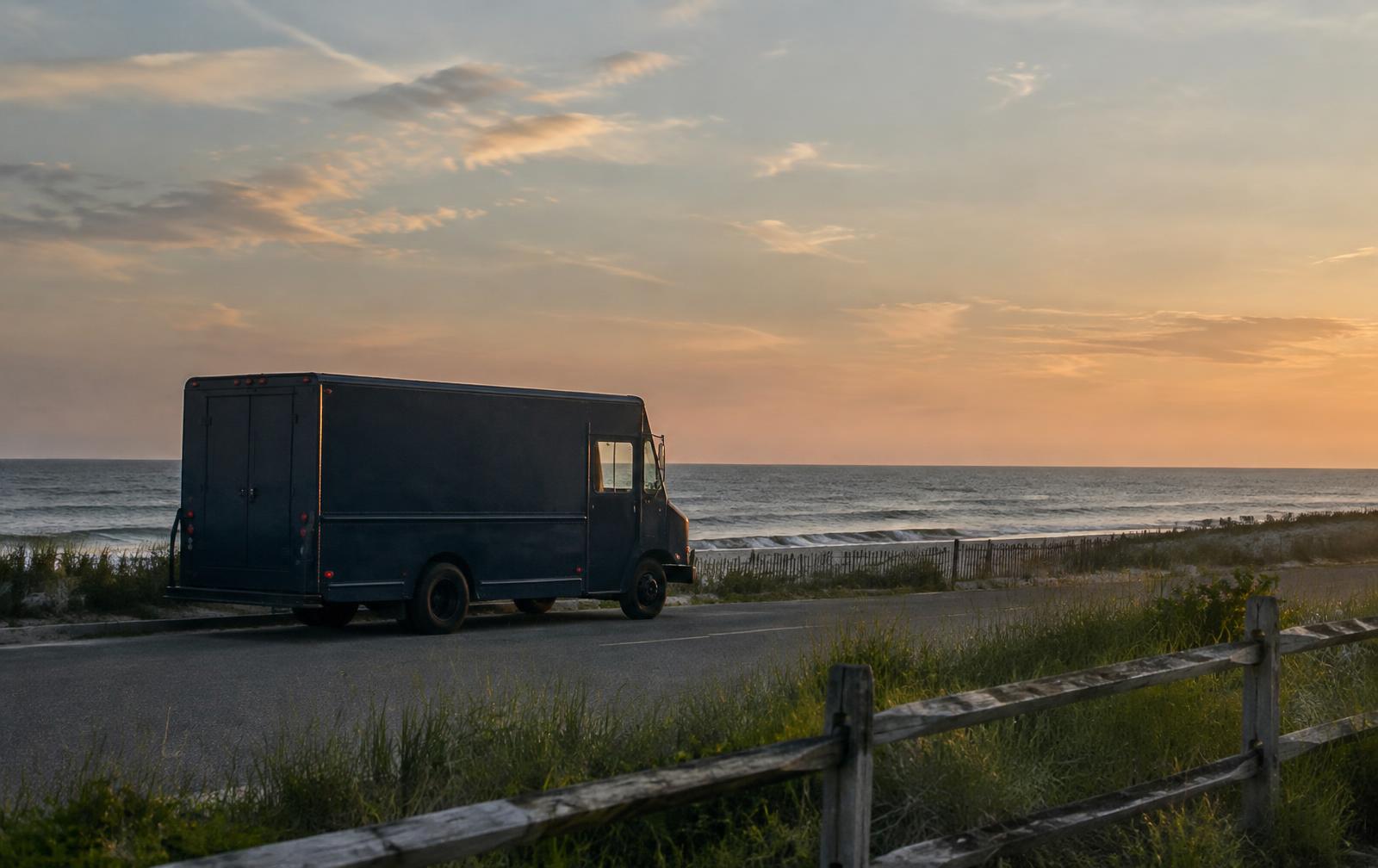
Cannabis delivery removes a lot of friction from shopping. Instead of planning a trip around store hours, you browse a menu at your own pace, choose the products and sizes you want, and have the order brought to you. If you have never ordered this way before, the process can still feel unfamiliar.
This guide walks through how ordering works with Ocean Smokes from start to finish — checking whether delivery reaches your address, browsing the menu, choosing products, entering delivery details, preparing identification, selecting a delivery option and receiving the order.
1. Check whether delivery is available in your area
Start with the simplest question: can we reach you? Ocean Smokes serves communities across New Jersey, and coverage is organised by delivery zone rather than by a single radius around one address.
The fastest way to find out is to enter your ZIP code on our delivery areas page. If your ZIP is covered, you will see it confirmed along with the town it belongs to. If it is not, that tells you straight away without spending time filling a bag.
It is worth checking before you shop rather than after. Delivery availability determines which options appear later at checkout, so confirming coverage first keeps the rest of the process short.
2. Browse the online menu
Once you know delivery reaches you, the Ocean Smokes menu is where everything lives. The catalogue is organised into categories so you can move straight to the format you are interested in:
- Flower — packaged cannabis flower in a range of sizes.
- Pre-Rolls — pre-rolled products, sold individually or in packs depending on the item.
- Vapes — cartridges and disposable formats.
- Edibles — gummies and other edible products.
- Concentrates — concentrated cannabis products in several formats.
- Accessories — supporting items for the products above.
You can also narrow the menu by brand, strain or availability, or search directly if you already know what you are looking for. Filters stack, so it is easy to look at, for example, only in-stock flower from one brand.
3. Choose your products
Most products come in more than one size or configuration. On a product card you will see either Quick Add, when there is a single option, or Choose Size, when there are several. Choosing a size opens the list of available variants with their individual prices.
Each listing shows the information the product carries in our system: brand, category, strain where it applies, price, and whether the item is in stock, low in stock, or out of stock. Out-of-stock items cannot be added to a bag — instead you can ask to be notified if the product becomes available again.
If you want to keep track of something without buying it today, the heart icon saves it to your favourites when you are signed in. Items you add to your bag stay there while you keep browsing, so you can compare a few options before deciding.
4. Enter your delivery information
At checkout you provide the address and contact details for the delivery. Accuracy matters more here than anywhere else in the process: the street address, unit or apartment number, and a phone number that will be answered are what allow a driver to complete the delivery without delays.
If there is anything useful to know about reaching you — a building entrance, a gate, where to park, a callbox — the delivery notes field is the place for it. A sentence there often saves a phone call later.
5. Have a valid government ID ready
Ocean Smokes is a 21+ service. You will be asked to confirm you are 21 or older, and identity requirements apply to cannabis orders in New Jersey.
Practically, that means having an unexpired government-issued photo ID available when the order arrives, matching the person receiving it. Keeping it to hand makes the hand-off quick. If your order requires identity review before it can be fulfilled, you will see that reflected in your order status rather than having to guess.
6. Select an available delivery option
Delivery options are presented at checkout based on the zone your address falls into. Ocean Smokes offers Same-Day Delivery and Priority Delivery, and the options available to you — along with any timing shown — come from the delivery configuration for your area at the time you order.
We would rather not promise a window we cannot control, so the options you see at checkout are the accurate source. If only one option appears for your address, that is the option currently available there.
7. Receive your order
After you place the order you will receive a confirmation, and the order moves through its stages as it is prepared and dispatched. Being reachable at the number you provided is the single most helpful thing you can do while an order is out for delivery.
When the driver arrives, have your ID ready, confirm the order, and you are done. If you created an account, your order history stays in your account so reordering later takes a few seconds.
Where does Ocean Smokes deliver?
Ocean Smokes delivers across New Jersey, with coverage defined ZIP code by ZIP code rather than by county alone. Our delivery areas page is the authoritative list, and it is the same data the checkout uses.
We also publish local pages for a number of communities, including Newark, Jersey City, Hoboken, Edison, Montclair, Princeton, Trenton, Cherry Hill and Atlantic City. If your town is not listed, check your ZIP — coverage is broader than the pages we publish.
Ready to browse?
Explore the Ocean Smokes menu and check delivery availability in your area.
• Explore the menu
Ready to see what’s available?
Browse the current Ocean Smokes menu and check availability for your delivery area.
Shop Now →• Keep Reading
More from The Tide Room
Product Guides
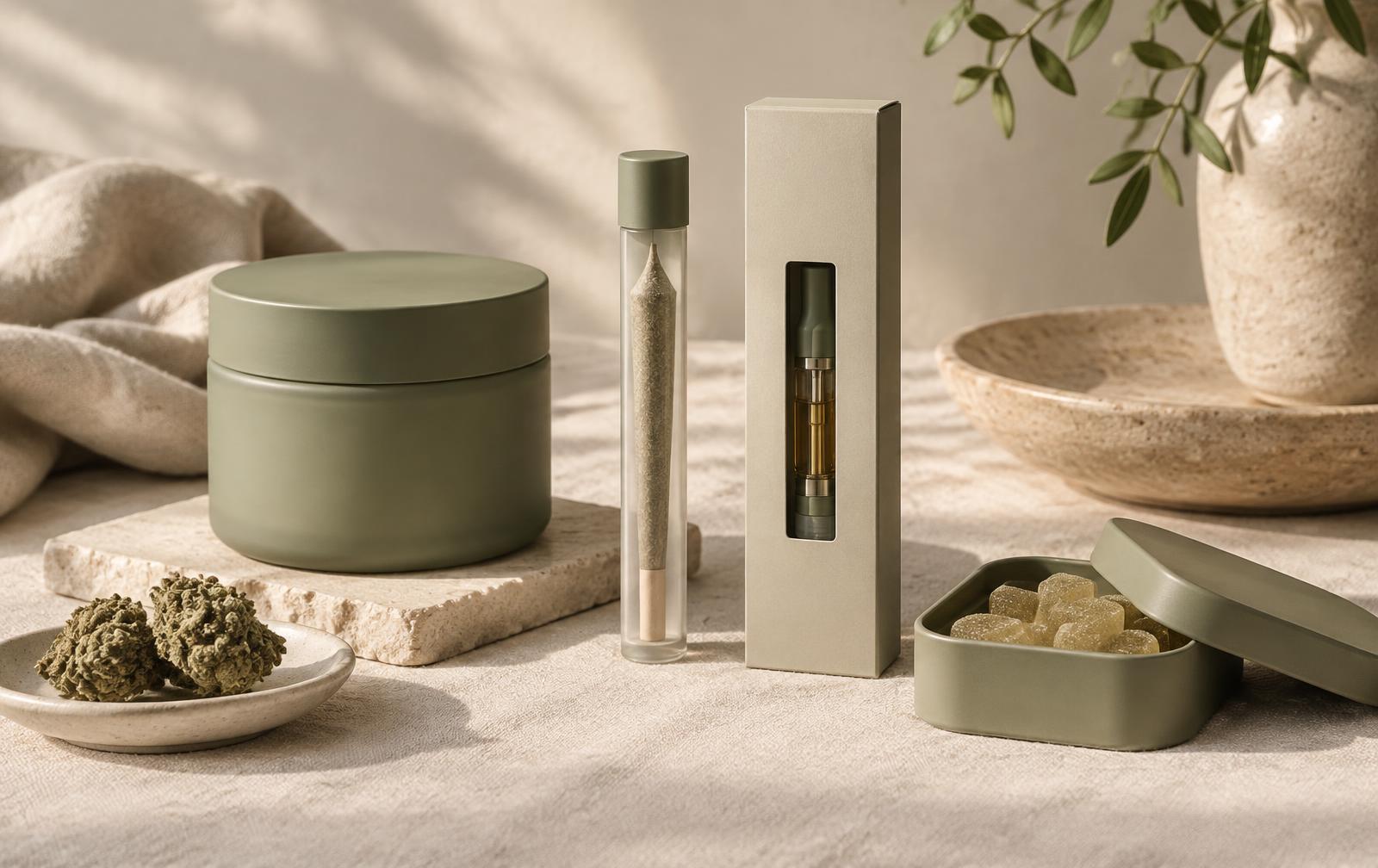
Flower vs. Pre-Rolls vs. Vapes vs. Edibles
There isn't one cannabis format that's right for everyone. Here's a plain-language look at how the major product categories differ so browsing the menu takes less guesswork.
Read Article →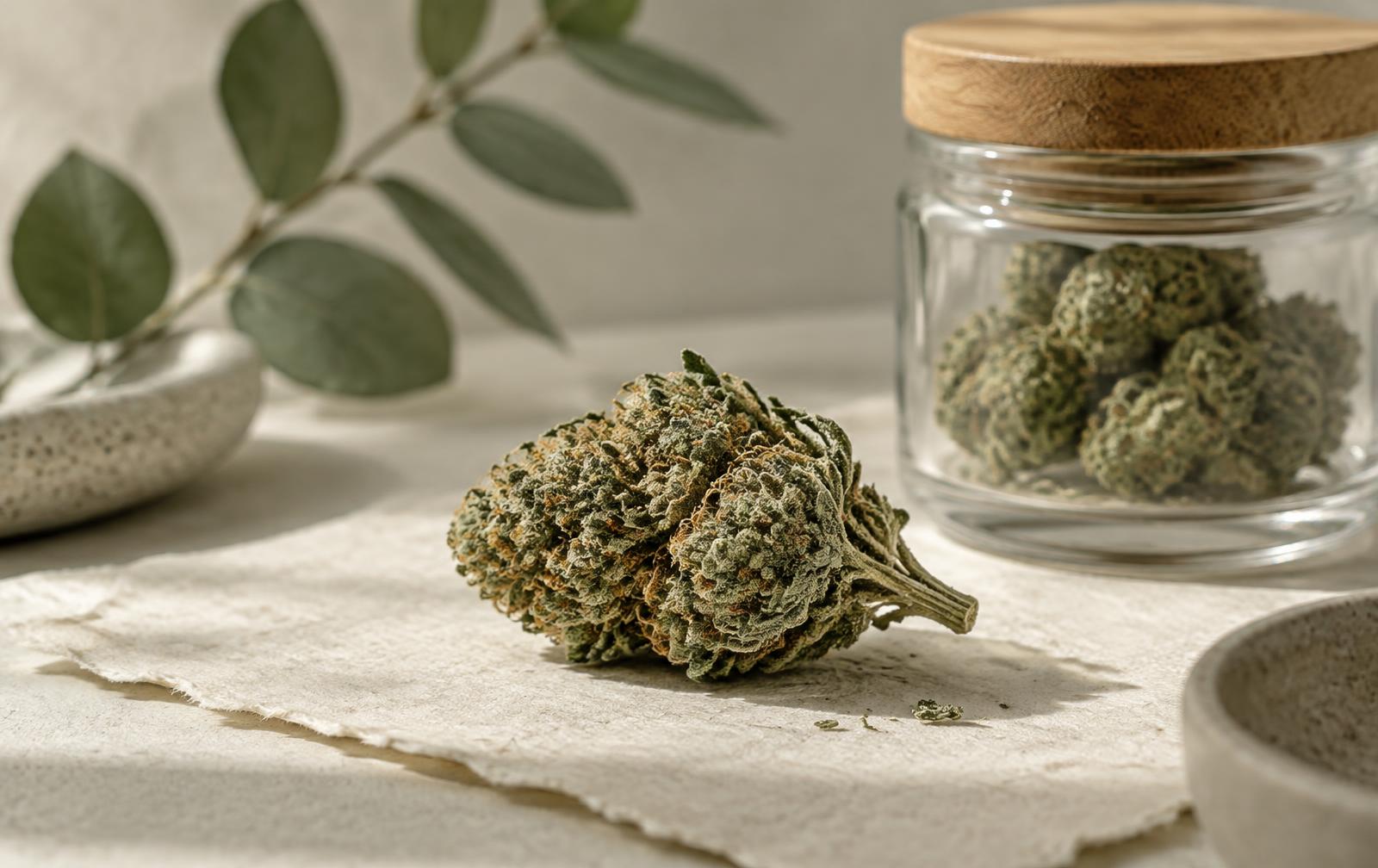
Cannabis 101
Indica vs. Sativa vs. Hybrid: What Do the Labels Mean?
Indica, sativa and hybrid are everywhere on cannabis menus. Here's what the labels describe, what they don't, and what else is worth looking at when you shop.
Read Article →